ONLINE CAR CERTIFICATION SYSTEM TESTING INSTRUCTIONS
Log onto the ARA portal at remarketingalliance.com
If you have previously taken CAR certification tests manually, an ID was created for you when your testing information was loaded into the system. If you do not have your logon information, you can retrieve it from the logon page or by contacting the ARA systems administrator as noted below.
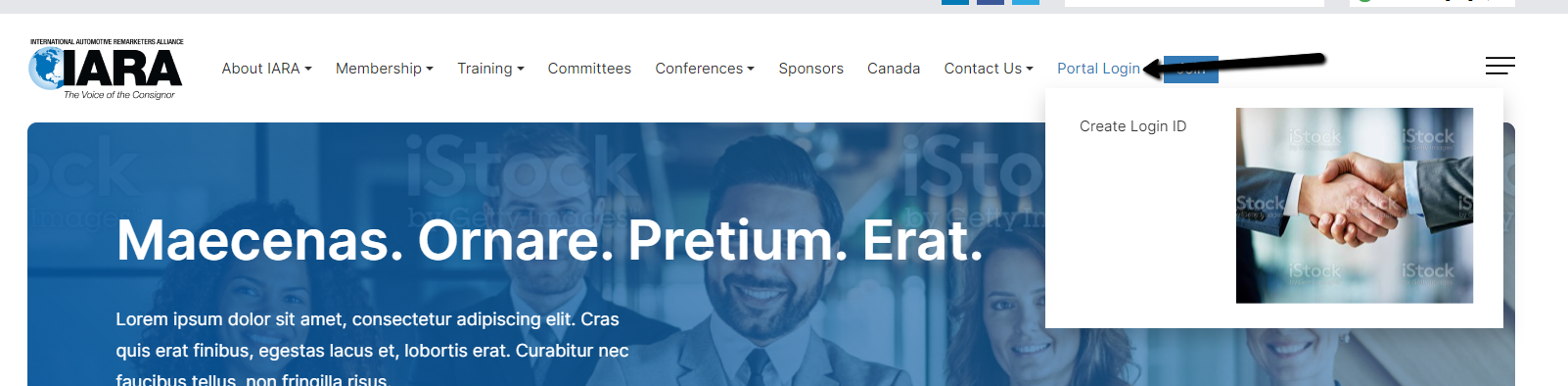
Log onto the IARA portal using the logon button in the far right corner of the website menu remarketingalliance.com at the top of the screen. Select login from the drop down menu.
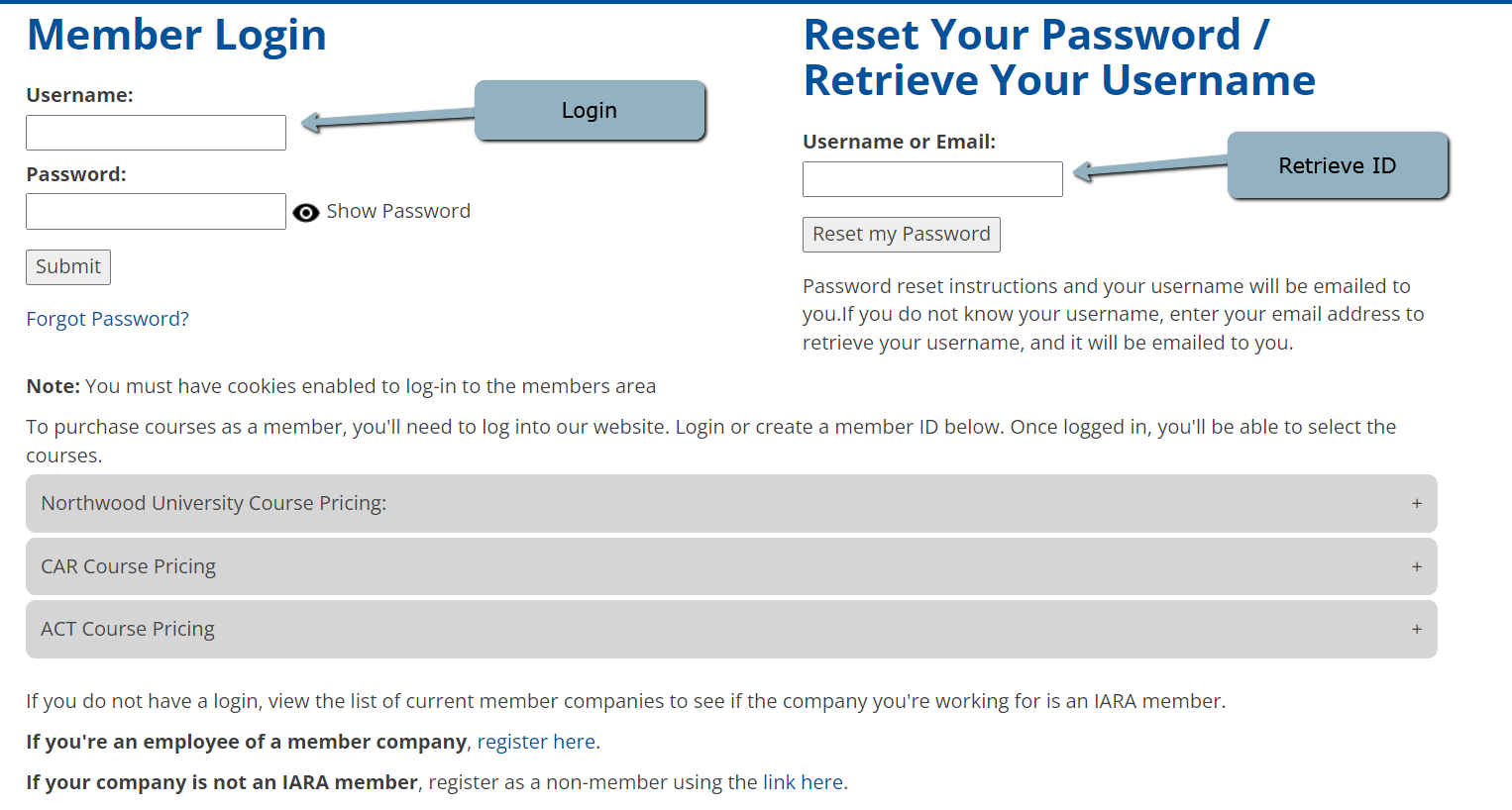
Type in your username and password, if known.
If you do not know your username and password, retrieve it at the bottom of the login screen by typing in your email address. An email message will be sent to you with your login information.
(503) 882-0250
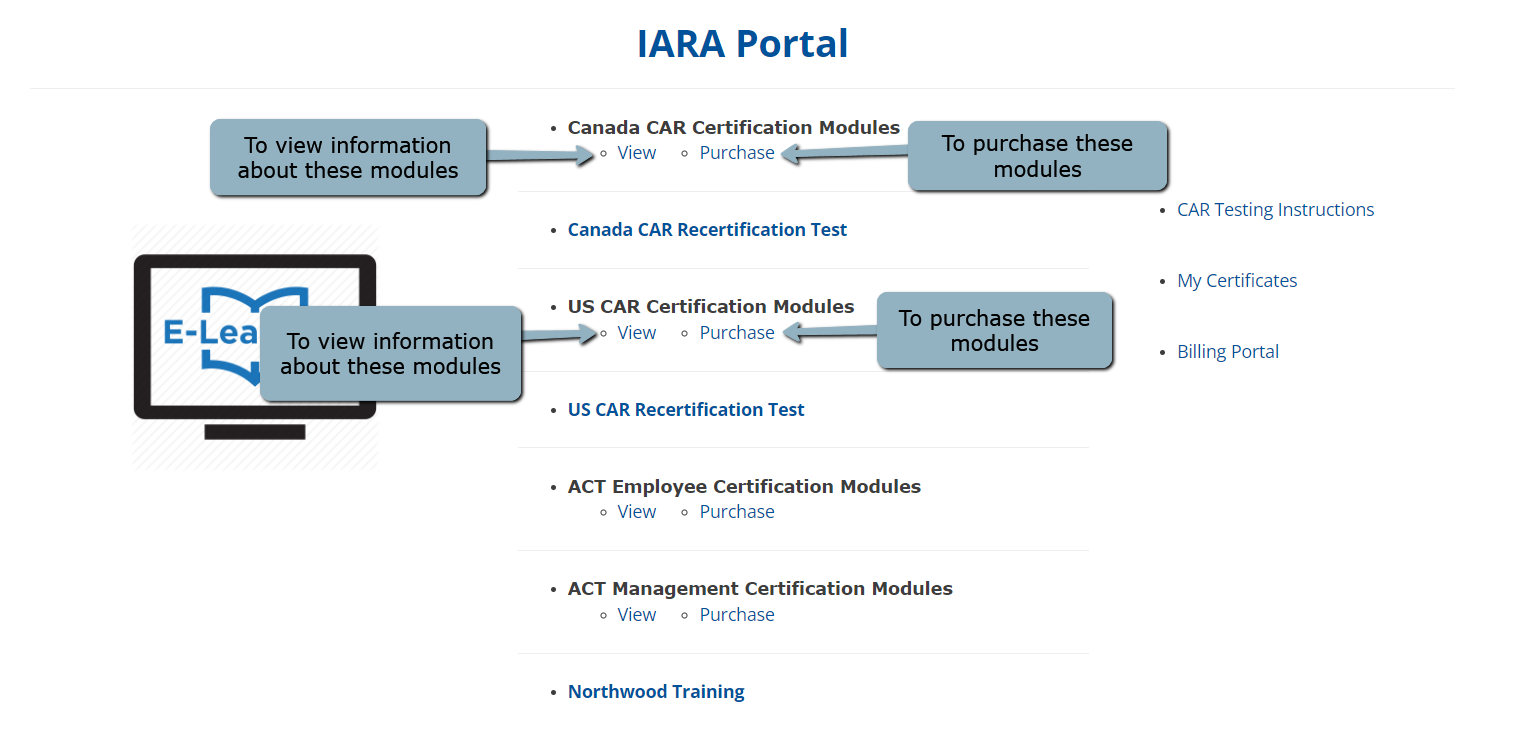 This is the new membership system for the ARA. You can take courses, register for events and access other resources under the member menu. Update your profile to make sure your membership information is current including email address, phone number and address. You can also add a photo to your profile in the system.
 The study materials can now be reviewed by reading the written materials or by listening to the material using an mp3 link at the top of each module material. Mp3 materials can be downloaded to listen to remotely. If using the audio, you will have to scroll through the written material to mark the material review prerequisite complete before testing.
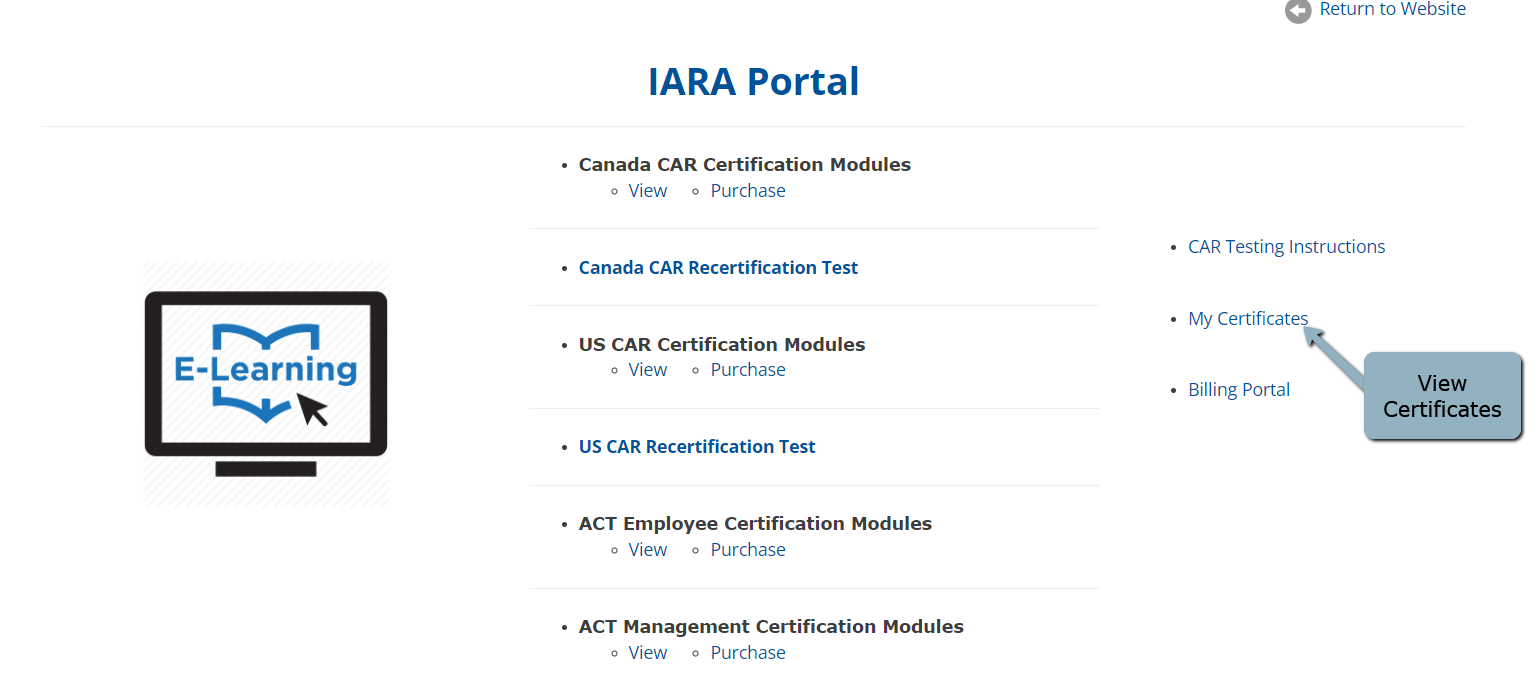
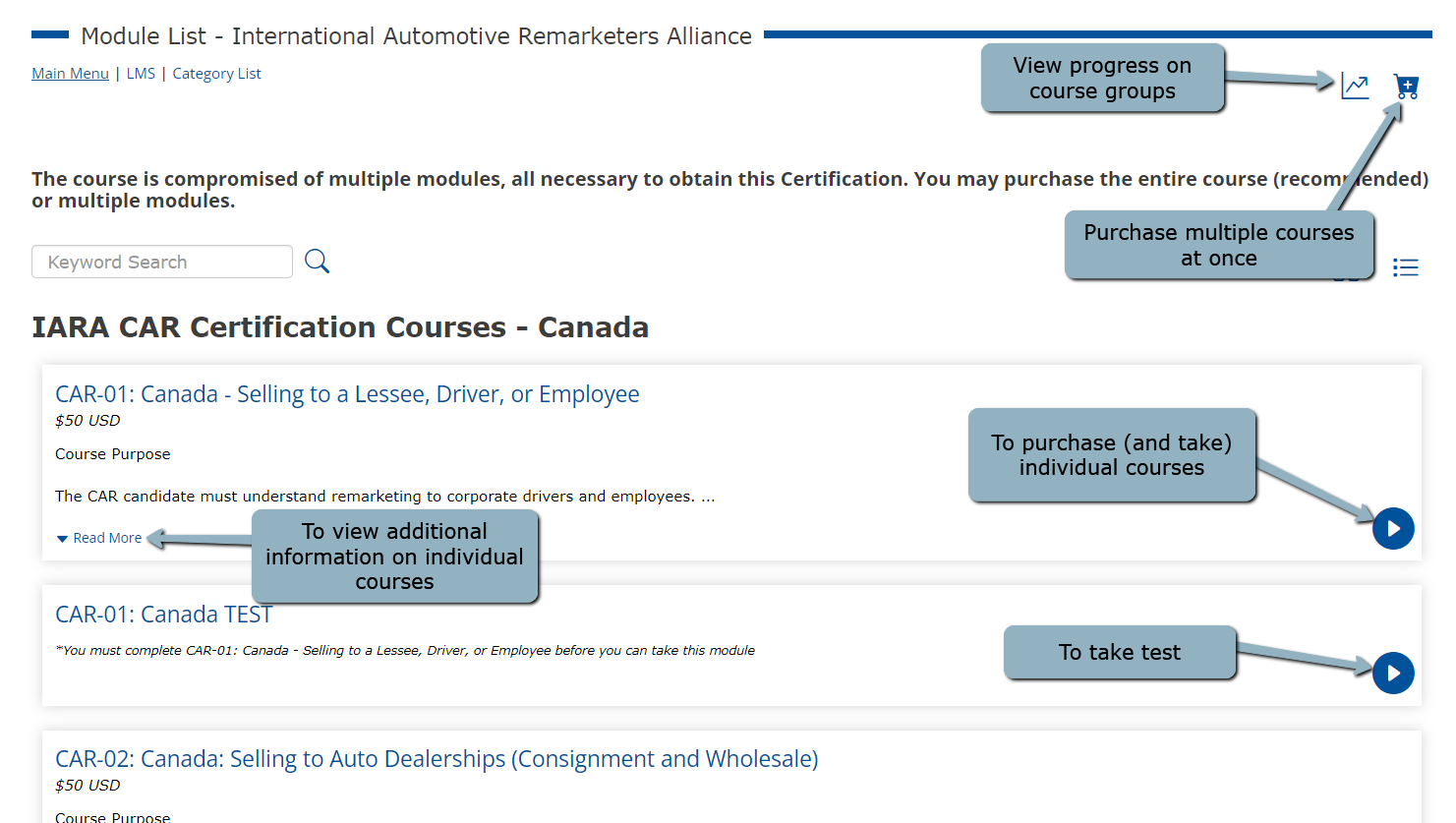
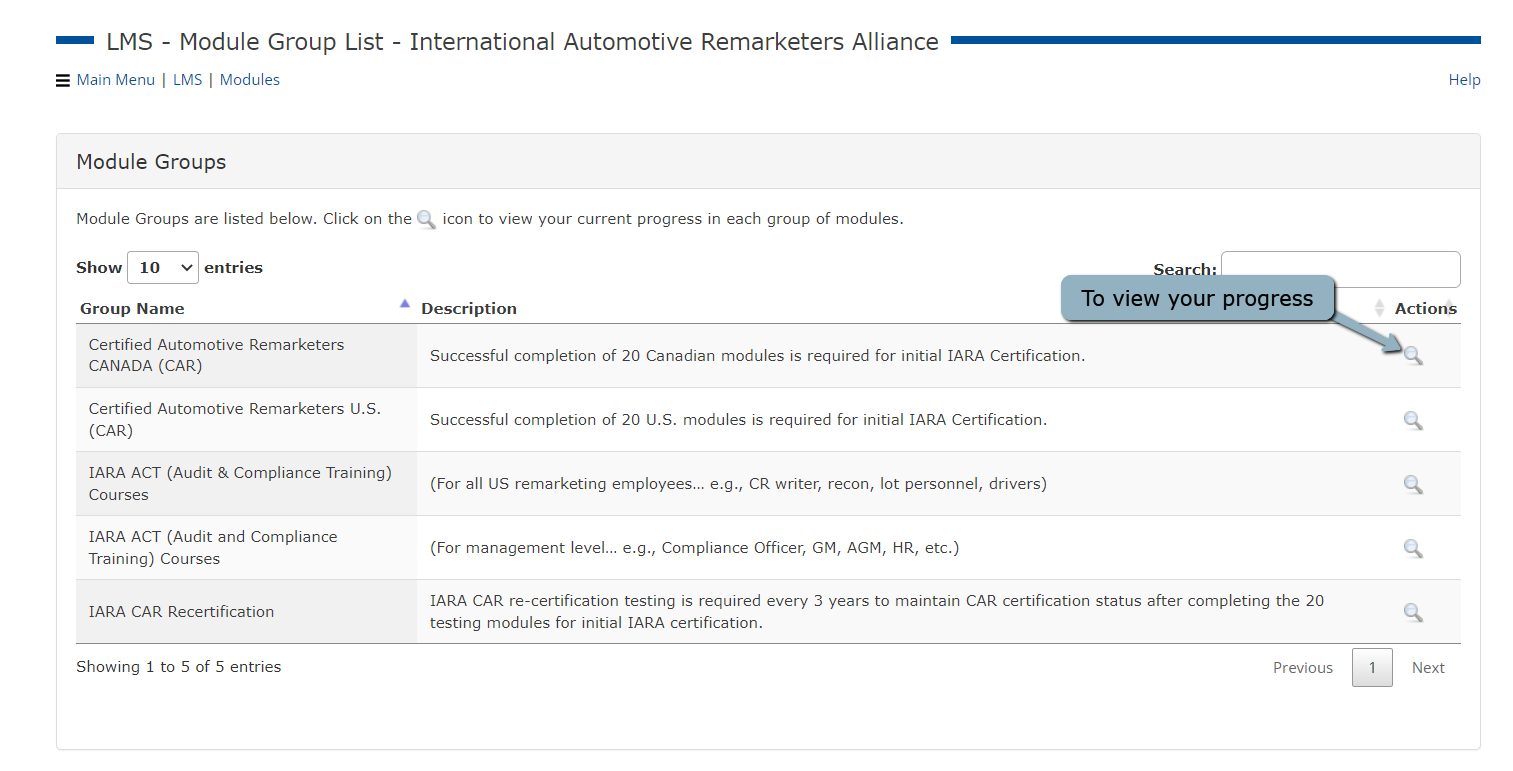 The written module materials and the tests are listed in numerical order throughout the main module page. The review material for a section is listed first and the module test follows the material on this page. All modules must be purchased, including recertification tests, before materials can be view or tests attempted. If the entire 20 modules are not purchased at one time, individual modules can be purchased on this listing also. All module material must be reviewed completely before you can start the test. The recertification module is at the very bottom of the page, after module 20. Once a test is attempted, you can see your module progress listed in the module list.
If these dates and times don’t suit your schedule, please contact us at support@remarketingalliance.com, and we’ll be happy to arrange a convenient time for you. Each 2-hour session allows for multiple tests, with most participants completing 3-4 tests per sitting
Please note that this is a closed-book testing process; documentation and other resources cannot be used during the test.
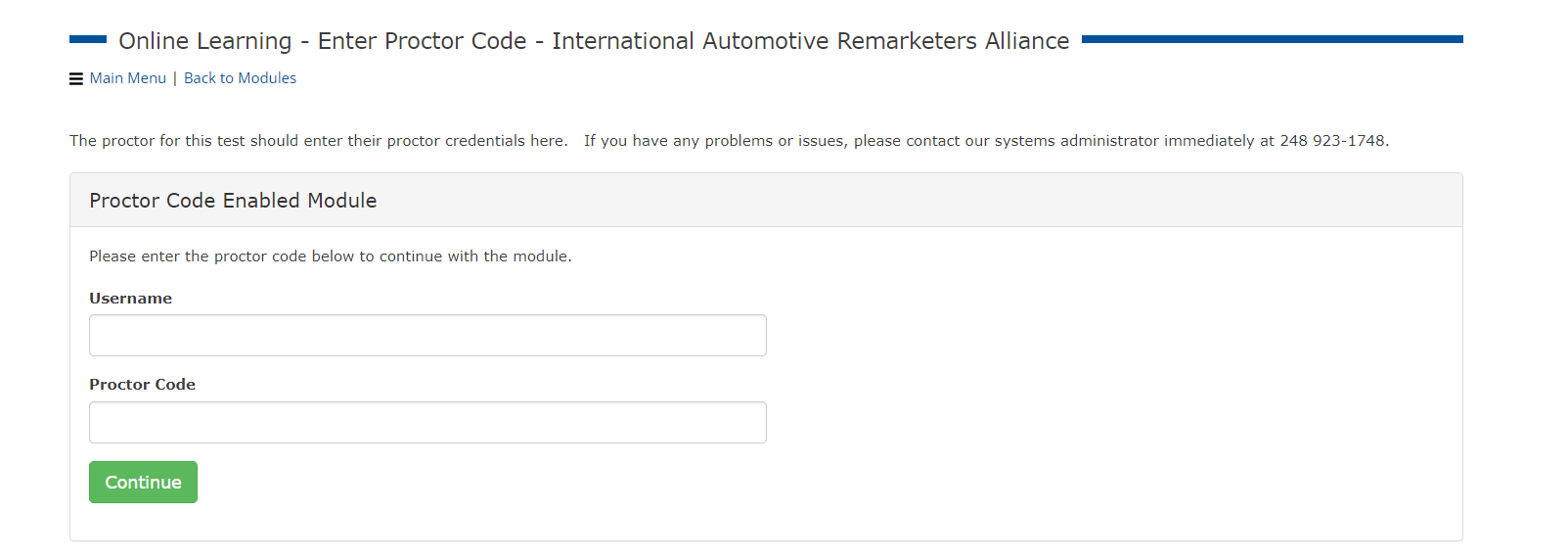 Once module materials are reviewed and a proctor code has been entered, select the test that you'd like to take from the module list. Click on the name of the test from the table of contents to begin the test.
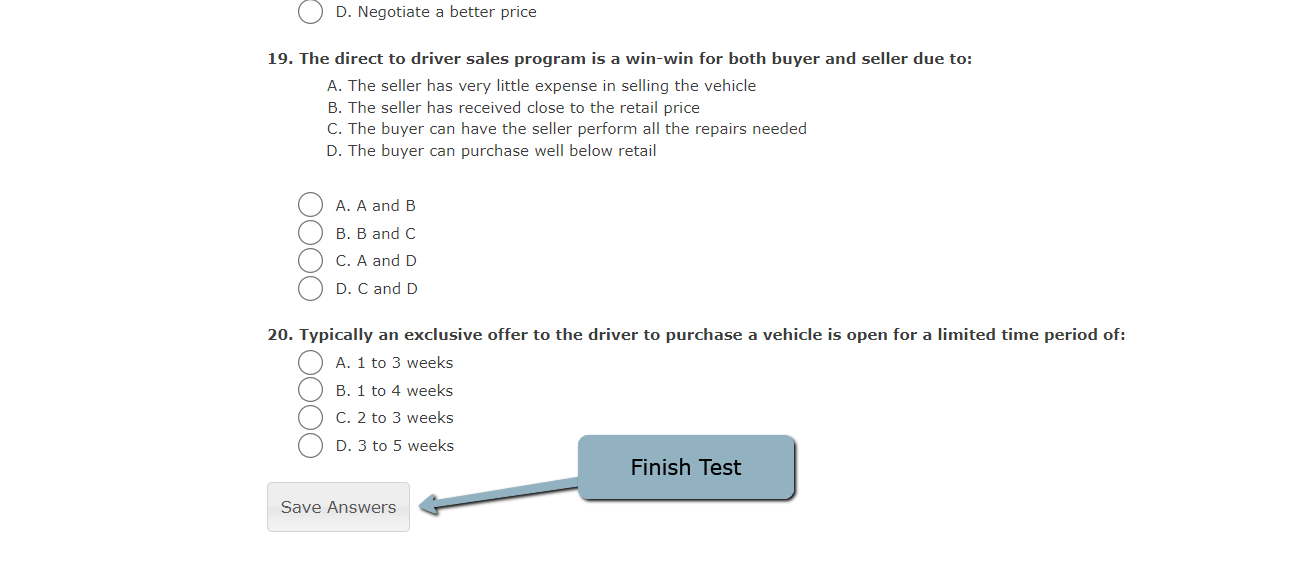
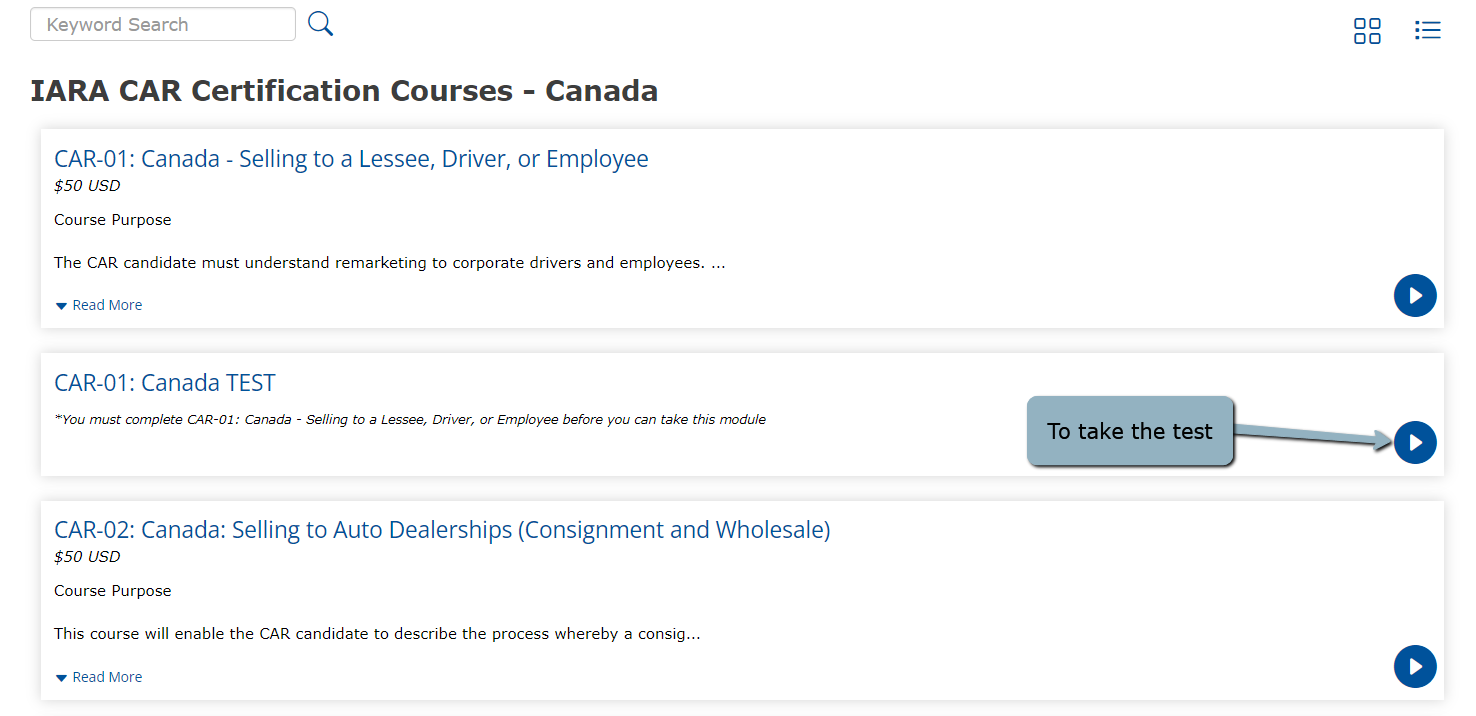 Once you are in the test, mark each multiple choice question and hit "Save Answers" at the very bottom. You will see a test complete message and receive your immediate pass/fail score. You can attempt a test three times in one day.